Question:
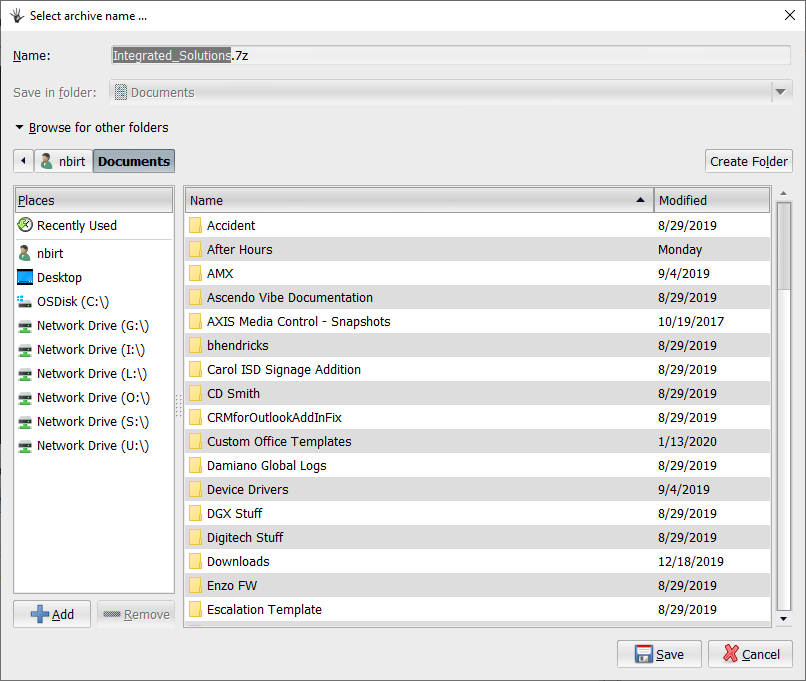
How do I export a signage project
Answer:
Periodically you might be asked to export your signage project and provide a copy to Tech Support for troubleshooting. Below are the instructions for how to do this from the Inspired Signage Xpress Software.
1. Open Inspired Xpress software
2. Double Click on the folder called “My Projects"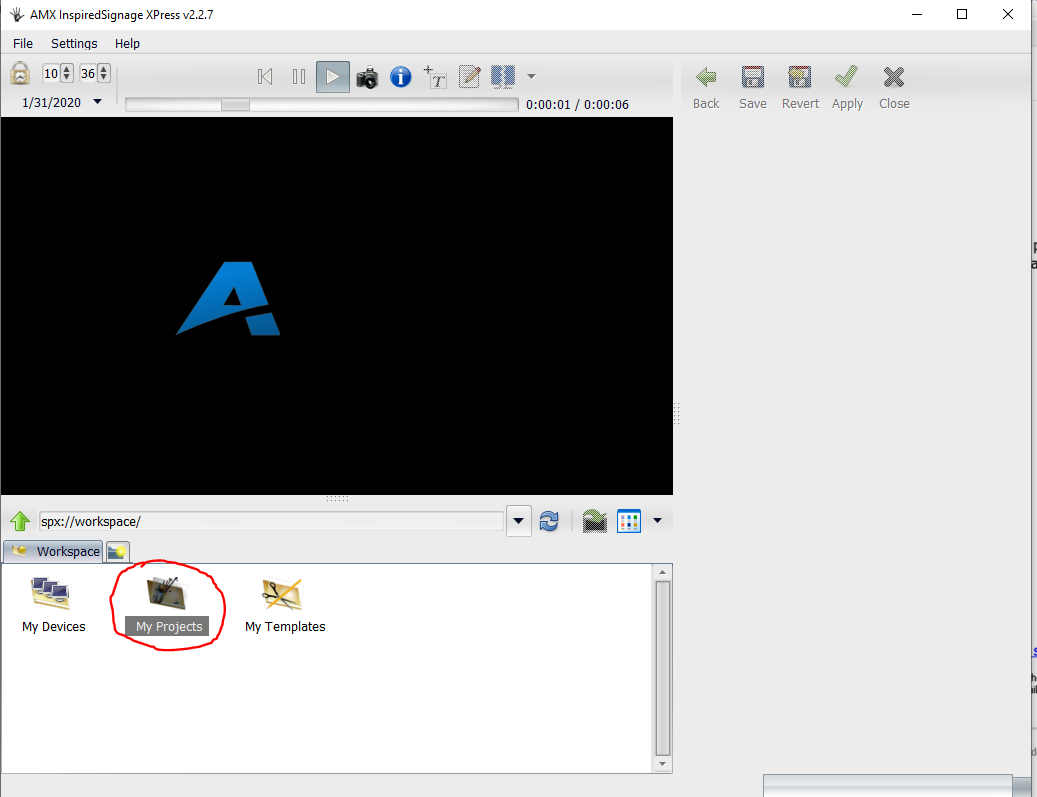
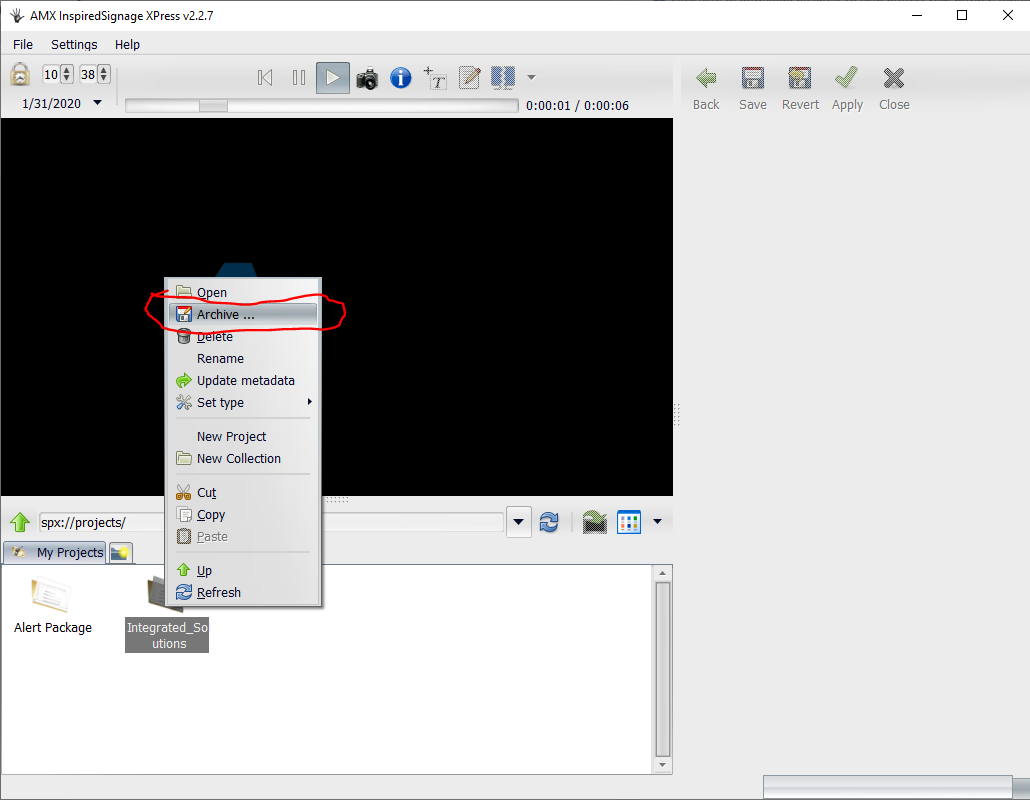
3. Right click on the project folder and click on “Archive"
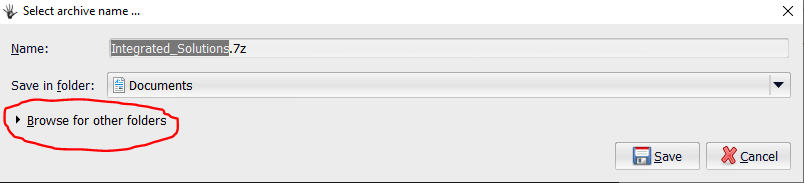
 4. In the new window, click on the “Browse for other folders" button.
5. Pick a location to save the zipped project, and click “Save" and then OK when it is done saving.